Snap and carry on
Start with a photo of your plate. Review the estimated foods and portions without entering every ingredient from scratch.
Nutrition, made simple
Snap your meal. Understand your calories and macros. Get back to enjoying your food, with a little less logging in the way.
Available for iOS and Android
Take a look inside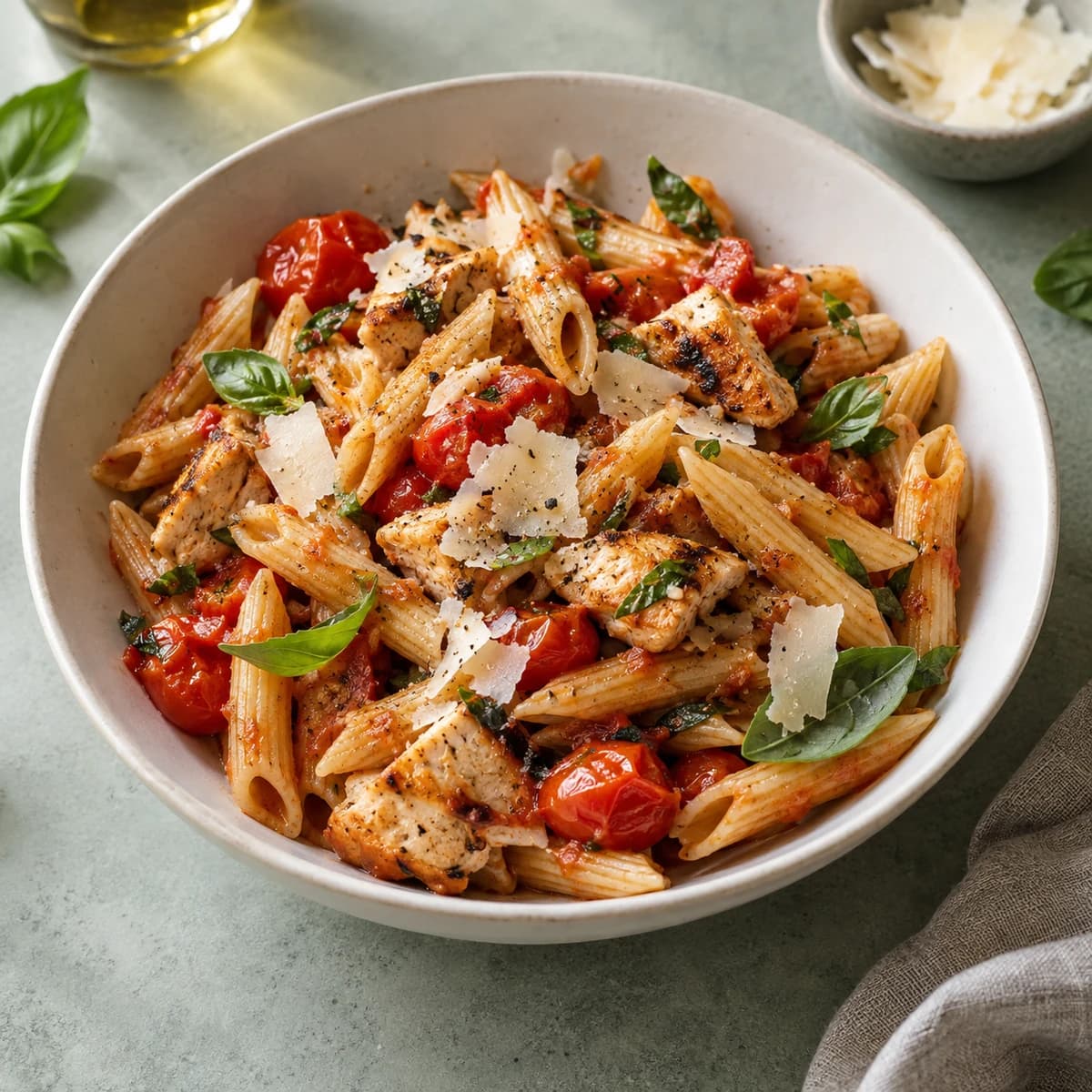 Photo, voice or text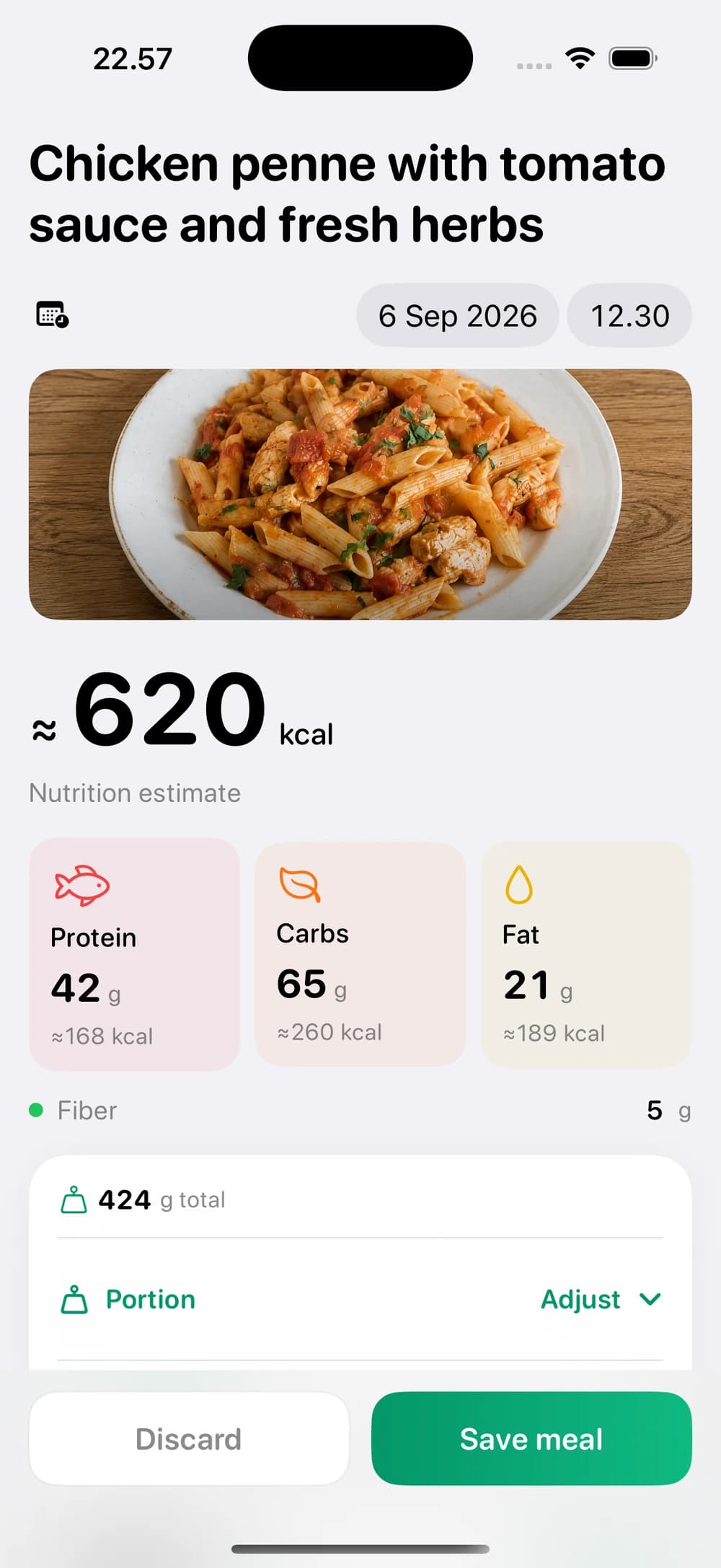
A look inside
From the first photo to your daily overview, keep the details that matter in one place.
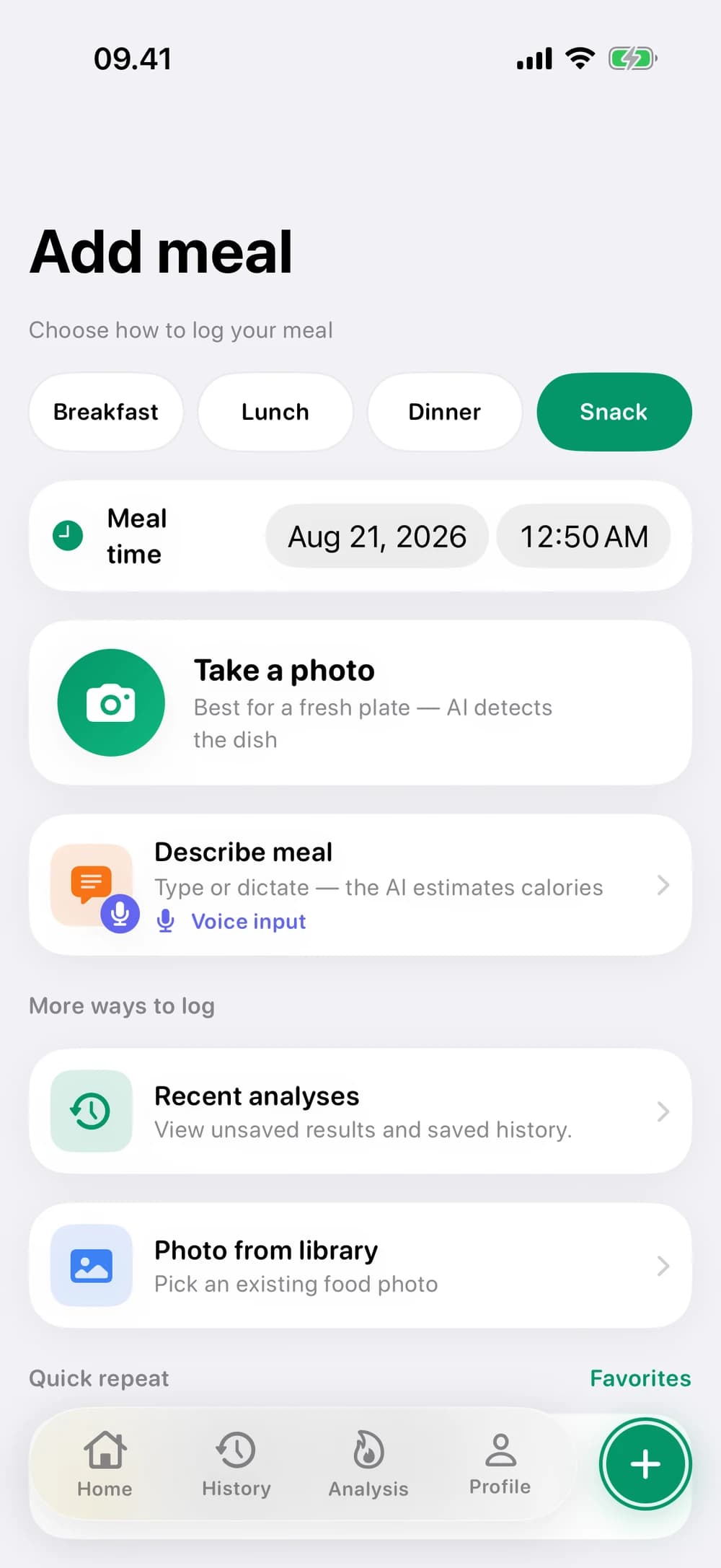
Choose the way you want to log.
A useful estimate, with room for your corrections.
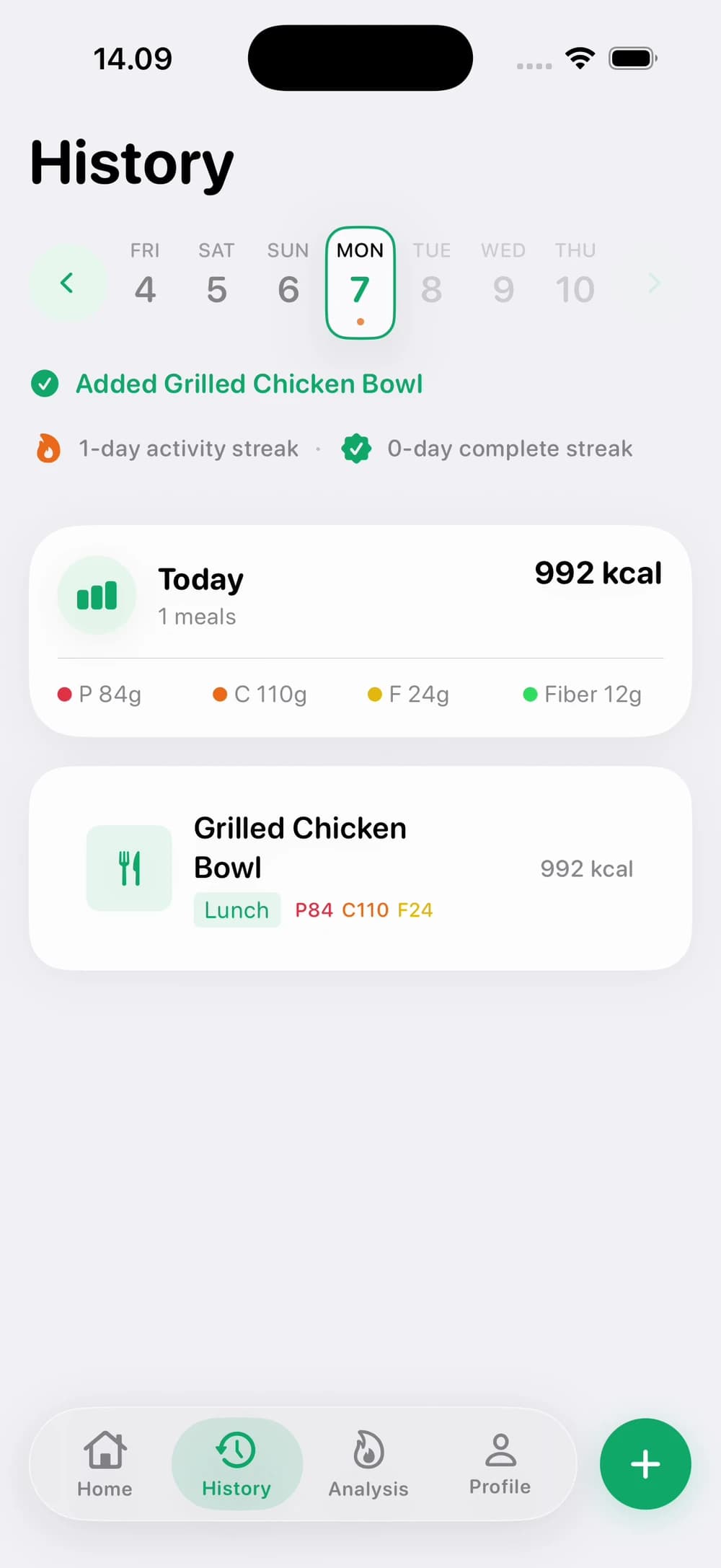
Your saved meals, ready when you need them.
Fits into real life
A quick lunch, a homemade dinner, or something on the go. There’s more than one way to keep track.
Start with a photo of your plate. Review the estimated foods and portions without entering every ingredient from scratch.
Describe what you ate with voice input. Useful when typing out a whole meal feels like too much work.
Prefer to type? Describe your meal, then review and adjust the result so your diary reflects what you ate.
A useful place to start
Take a photo or choose one from your library. NutriGuide estimates the foods, portions, calories and macros. Review the result and make any corrections before you save it.
Yes. You can review the identified foods, adjust portions, and correct the result. Photos cannot show every ingredient, so your input helps make the entry more useful.
Yes. Describe your meal with text or voice input. You can also choose an existing photo from your library.
Use the App Store or Google Play links on this page. The app is available for iOS and Android; the previews here show the iOS interface.
Start with your next meal
Bring a little clarity to your everyday meals. NutriGuide takes care of the food diary, with you in control.